Airplay
AirPlay Mirroring lets you send what’s on your Mac to our conference room TVs wirelessly. Click on the AirPlay icon in the menu bar of your Mac and choose the meeting room where you want to show your screen. You will be presented with a passcode to enter on your computer to ensure you are presenting to the appropriate room.
You must be on CrusherNet or Hireology Guest to airplay. Visit our Help Center article about our office wifi if you need to join our wifi.
More information: https://support.apple.com/guide/mac-help/stream-content-to-apple-tv-mh40624/mac
Zoom Rooms
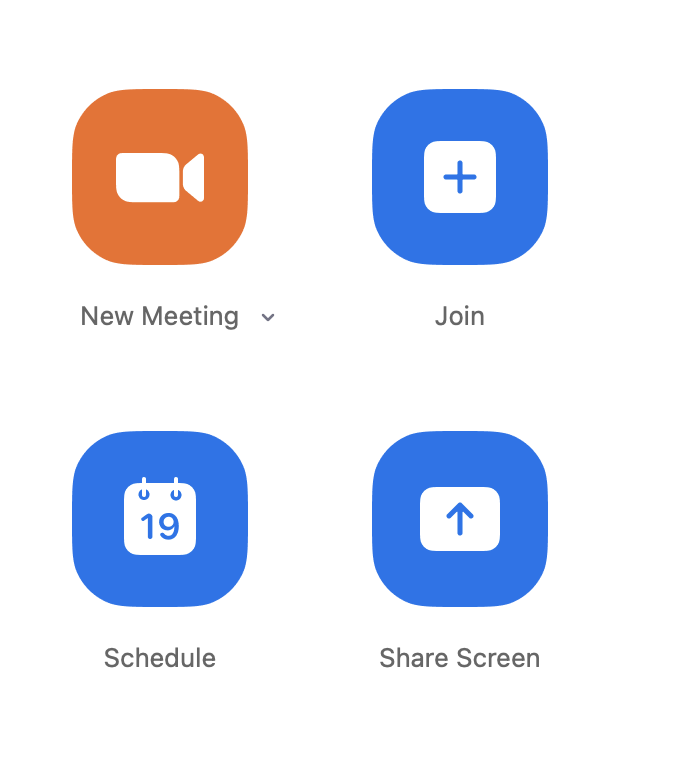
In our conference rooms that support Zoom Rooms, you can share your screen with a Zoom meeting by opening your Zoom app and clicking on the "Share" button and following the prompts. The short Zoom video below outlines this process.
More information: https://support.zoom.us/hc/en-us/articles/214629303